
Problem solved
Customers see several packs but cannot immediately identify the best unit price.
Calculate unit price, percentage savings and the best-value choice for combinations representing pack quantities.
SHA-256 · 4C4C4B421E7A8D1FAEB99C0C24DBA87B58925220F7FD909E85FAD4A533E1933F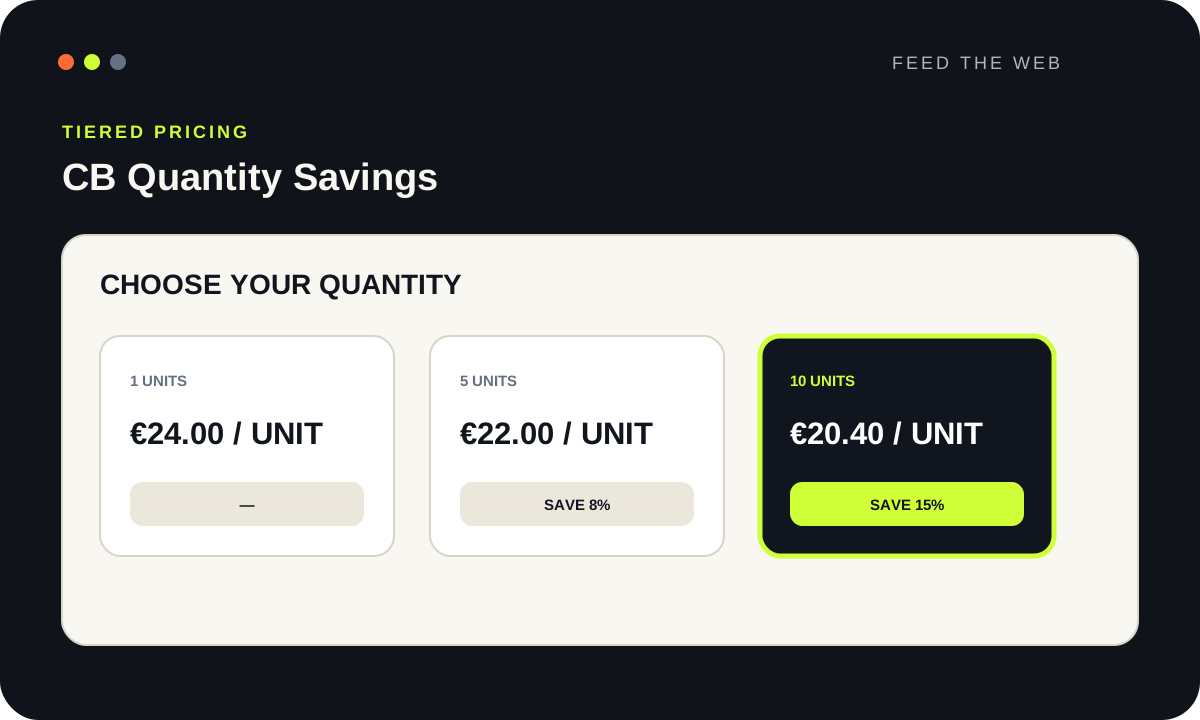
The problem it solves, the expected outcome and the stores it suits.
Customers see several packs but cannot immediately identify the best unit price.
A transparent comparison of quantities, totals, unit prices and savings.
Products sold in packs of 25, 50, 100 or other quantities stored as combinations.
The important functions to understand before installation.
Start on a staging store running the stated PrestaShop version.
Back up the store files and database, then prepare a staging copy whenever possible.
Confirm that the store version falls exactly within the stated PrestaShop compatibility range.
Download the individual ZIP from this page without extracting it.
In the back office, open Modules, then Module Manager, and choose Upload a module.
Select the ZIP, wait for installation to finish and open Configure.
Save the settings for every relevant language and store.
Clear the cache, test mobile and desktop, then verify the cart and checkout before production.
These settings help produce a useful result without disrupting the buying journey.
Yes. The download requires no account, payment card, subscription or trial period.
That is not recommended. Back up the store and validate the add-on on staging first.
Compare its SHA-256 checksum with the value displayed on this page.
It extracts the number from the selected attribute value, for example 50 from “50 pcs”.
PrestaShop 8.2.x